
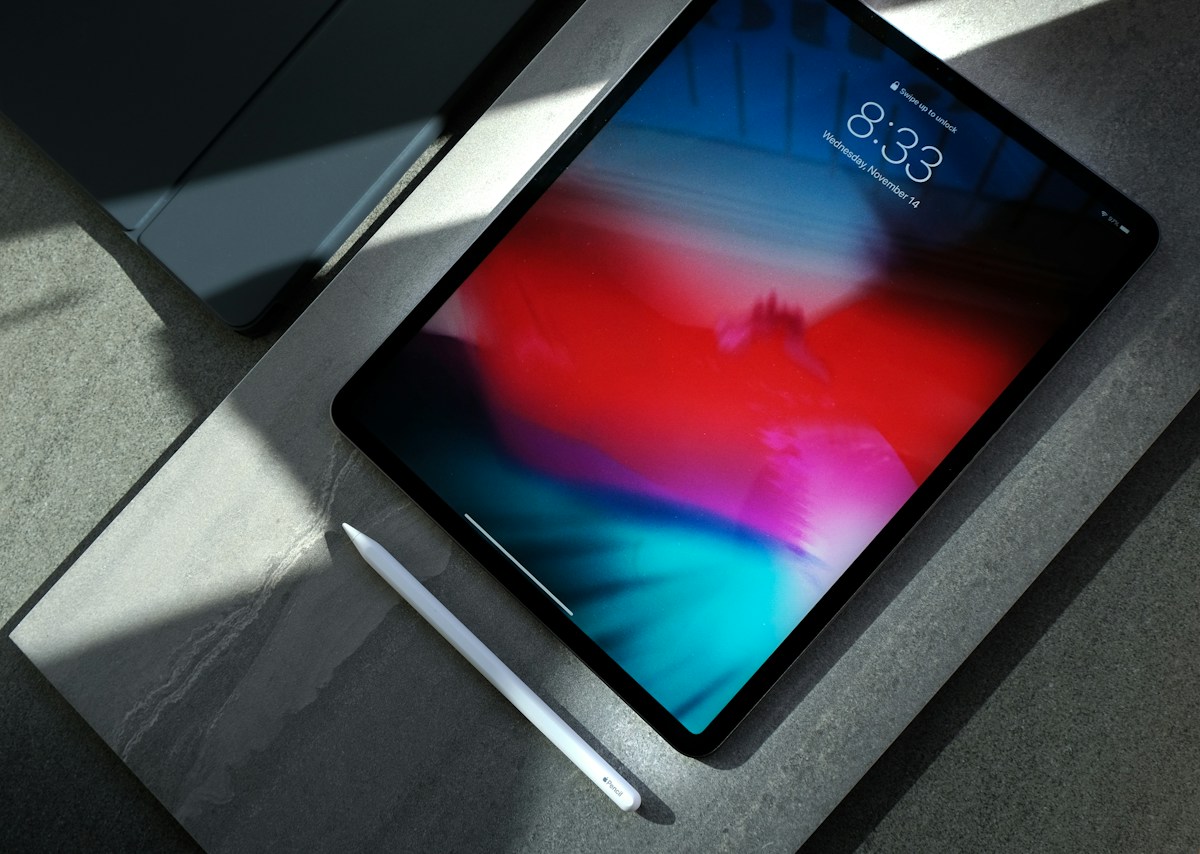
Searches for how to apply for free tablet from government often lead to outdated websites and misleading advertisements. The key point in 2026 is that there is no reason to assume a nationwide federal programme will give every eligible person a free tablet. Some local, school, library, nonprofit or provider programmes may offer devices or loans, while federal connectivity assistance generally focuses on phone or internet service rather than a guaranteed free tablet.
Does the Government Currently Give Everyone a Free Tablet?
No nationwide free-tablet benefit should be assumed. Programme availability depends on location, funding, eligibility and the organisation administering the offer. Some initiatives provide a refurbished computer, a loaner tablet, discounted equipment, internet service or digital skills training instead of a free device to keep.
What Happened to the Affordable Connectivity Program?
The federal Affordable Connectivity Program (ACP) ended on 1 June 2024, because Congress did not provide additional funding. While it operated, eligible households could receive a monthly broadband discount and, through participating providers, a one-time device discount of up to $100 towards a laptop, desktop computer or tablet. The old ACP enrolment offer is no longer available.
The official Universal Service Administrative Company ACP page explains the programme’s benefits and confirms its end date. Be cautious of websites that still invite new applicants to sign up for ACP benefits as if the programme were active.
Can Lifeline Help You Get a Tablet?
Lifeline is a federal programme that helps eligible low-income consumers reduce the cost of qualifying phone or internet service. It is not a general promise of a free tablet. Some participating providers may advertise devices or promotions, but the device, upfront cost, service requirements and availability vary by provider and location.
Start with the official Lifeline Support website to check current eligibility and application steps. Eligibility is generally based on income or participation in certain qualifying assistance programmes. Applicants may need to provide documentation and verify their household details.
Other Places to Look for Device Assistance
State and Local Digital Inclusion Programmes
State agencies, city governments, libraries and community organisations sometimes run technology-access projects. Ask your public library, workforce centre, local human services office or community college whether a current tablet or computer programme is accepting applications.
Schools and Colleges
Students may have access to school-issued devices, technology lending, emergency aid or campus grants. Ask the institution’s financial aid office or IT department about eligibility, loan periods and return requirements.
Nonprofit and Refurbished Device Programmes
Some nonprofit programmes provide refurbished computers or connect qualifying households with low-cost equipment. Review geographic limits, proof-of-eligibility requirements, device condition, warranty and whether the device is a loan or a permanent transfer.
How to Apply Safely
- Identify the administering organisation: Find the official name of the government agency, school, library, nonprofit or provider.
- Visit its genuine website: Navigate to the website independently instead of relying on a social-media link or sponsored advertisement.
- Read eligibility requirements: Confirm residency, income, enrolment, age and other conditions.
- Prepare the requested documents: Programmes may ask for identity, address, income or enrolment proof. Submit only what the official application requires.
- Keep your confirmation: Save the application reference, contact information and copies of documents you submit.
How to Recognise a Free Tablet Scam
Be suspicious of sites demanding gift cards, cryptocurrency, unexplained processing payments or sensitive information through an unfamiliar form. Guaranteed-approval claims, urgent countdowns, imitation government logos and requests for Social Security details before the programme is identified are warning signs. Verify the programme and contact details before sharing personal information.
What If You Do Not Qualify?
Ask a library about device lending, compare refurbished tablets from reputable sellers, check employer or student equipment programmes and review low-cost internet options. If you need to complete job applications, schoolwork or official forms, a refurbished laptop may provide better value than a small tablet.
Frequently Asked Questions
Is the Affordable Connectivity Program still available?
No. The ACP ended on 1 June 2024. USAC’s official website provides historical programme information.
Does Lifeline provide a free tablet?
Lifeline supports qualifying phone or internet service. A tablet may be offered by some providers or local initiatives, but it is not a guaranteed federal benefit.
Do I have to pay a fee to receive a government tablet?
Do not pay an unverified website. Confirm any legitimate cost directly with the programme administrator or participating provider.
Conclusion
The safest way to look for a free or low-cost tablet in 2026 is to verify a current local programme, review Lifeline eligibility and ask schools, libraries and nonprofits about device access. The former ACP device discount is no longer available. Confirm every offer through an official source before providing information or making a payment.

Doris Pollard, a mesmerizing wordsmith and experienced blogger, crafts narratives that carry readers into unexplored realms. Infused with insightful perspectives and vibrant storytelling, Doris’s mastery of language captivates both hearts and minds, making an enduring impression on the literary landscape.